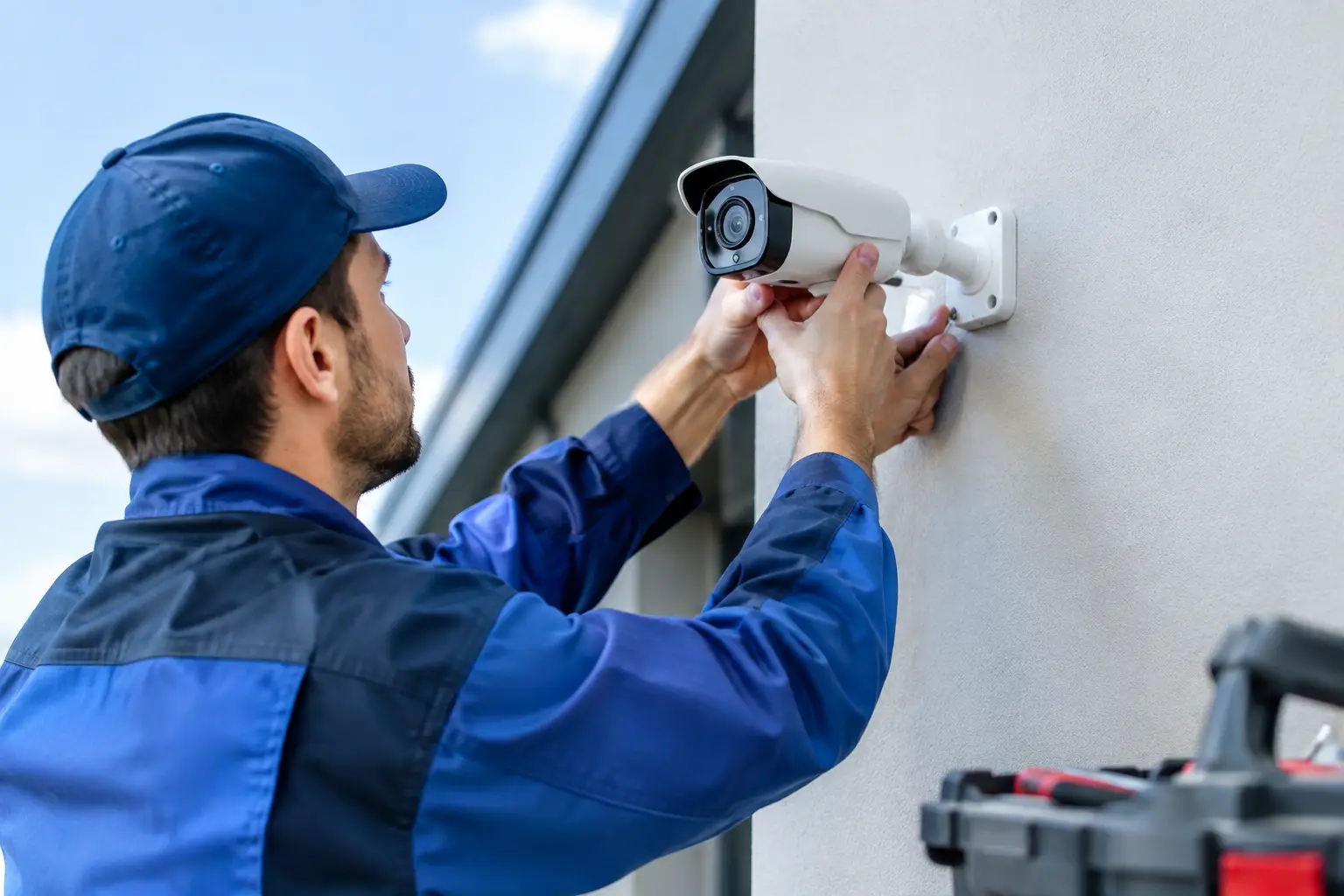
A camera that still has power is not necessarily protecting your property. Blurry nighttime footage, missed motion events, water inside a camera housing, or an app that no longer connects can leave a serious gap in your security. This guide to CCTV camera replacement helps South Florida homeowners, landlords, property managers, and businesses decide what to replace, what can stay, and how to avoid losing valuable coverage during the changeover.
Know When a CCTV Camera Needs Replacement
Security cameras are exposed to heat, humidity, storms, salt air near the coast, insects, and everyday wear. A camera may fail suddenly after a power surge, but more often it becomes less dependable over time. Replacing it before a critical incident is the better outcome.
Start by reviewing the actual footage, not just the live image on a phone. If faces are unclear at the distance where identification matters, license plates wash out under headlights, or night vision shows only glare and shadows, the camera may no longer serve its purpose. A camera pointed at a front entrance has different needs from one covering a parking lot, loading area, side gate, or cash register.
Common reasons to replace a CCTV camera include:
- Persistent blurry, flickering, discolored, or intermittent video
- Water intrusion, cracked housings, corroded connectors, or storm damage
- Weak nighttime images or infrared glare that hides details
- Motion alerts that arrive late, trigger constantly, or fail to trigger at all
- A discontinued camera, recorder, or mobile app that no longer receives support
- Coverage changes after a renovation, tenant turnover, new gate, or revised parking layout
A problem is not always the camera itself. Damaged cabling, loose connections, failing power supplies, overloaded recorders, poor Wi-Fi coverage, or incorrect settings can create similar symptoms. A proper inspection prevents paying for a new camera when a targeted repair would solve the issue.
Guide to CCTV Camera Replacement: Start With the System
Before selecting a replacement camera, identify the type of system already installed. This determines whether a new camera can work with your current recorder and wiring or whether a broader upgrade makes more sense.
Many older properties use analog cameras connected by coaxial cable. Newer systems commonly use IP cameras connected with Ethernet cable, often powered through the same cable using Power over Ethernet. Some locations use wireless cameras, although wireless does not eliminate the need for dependable power and network coverage.
Camera compatibility depends on more than the connector at the end of the cable. Your recorder must support the camera’s signal type and resolution. An older digital video recorder may not display a higher-resolution analog camera correctly. An IP network video recorder may have limits on the number of channels, total bandwidth, camera brand compatibility, or available storage.
Replacing one failed camera with a matching model can be the fastest and most cost-conscious option when the rest of the system is still reliable. It is often appropriate for a small business or residence with clear footage, working recording equipment, and a camera damaged by weather or impact.
A complete or phased upgrade is usually a smarter investment when several cameras are failing, image quality no longer supports identification, recordings are difficult to retrieve, or the system relies on unsupported equipment. Property managers may choose to replace the most important cameras first – entrances, vehicle access points, elevators, and common areas – while budgeting for the remaining locations later.
Choose the Right Camera for the Location
The best replacement is not always the camera with the highest resolution. A camera must be selected for the distance, lighting, mounting position, and security goal of that particular area.
For entry doors and interior hallways, a fixed turret or dome camera can provide a clean, discreet view. Turret cameras often perform well at night because their infrared LEDs are less likely to reflect off a dirty glass dome. For driveways, parking lots, warehouses, and perimeter areas, a bullet camera can provide a more visible deterrent and may be easier to aim over longer distances.
Pan-tilt-zoom cameras are useful when staff need to actively follow activity across a large property, but they are not a substitute for fixed coverage. A PTZ camera can only look in one direction at a time. In many cases, multiple fixed cameras covering key paths of travel provide more dependable evidence.
Resolution deserves practical consideration. Higher resolution can make it easier to identify a face or vehicle, but it also increases storage needs and network demand. A poorly aimed 4K camera may deliver less useful evidence than a correctly positioned camera with a suitable lens and adequate lighting.
For outdoor cameras in Broward and Palm Beach Counties, use equipment rated for exterior conditions and installed with weather-resistant connections. Proper placement matters as much as the rating. Cameras should be shielded from direct sprinkler spray, positioned to reduce harsh afternoon sun, and securely mounted to withstand wind and storms.
Protect Recordings Before the Changeover
Do not remove old equipment until you know whether it contains footage you may need. This is particularly important after a break-in, employee dispute, vehicle incident, slip-and-fall claim, or repeated trespassing concern.
Review the recorder’s retention period and export any relevant clips before replacement begins. Save footage in its original format when possible, along with a standard playable copy if one is available. Record the date, time, camera location, and a brief description of what the footage shows. If the video may be needed for an insurance claim or law enforcement matter, avoid editing the original file.
Also document the current system settings. Take note of camera names, recording schedules, motion-detection zones, user accounts, and remote viewing setup. This information makes it easier to confirm that the replacement system is configured to match the property’s needs rather than simply turned on.
Plan Coverage, Lighting, and Privacy
A replacement project is the right time to correct blind spots. Walk the property as if you were approaching it after dark. Check front and rear doors, gates, side yards, service entrances, package areas, parking spaces, dumpsters, equipment enclosures, and any location where people can enter without being seen.
Camera placement should answer a clear question: What needs to be verified here? At a front door, that may be the identity of a visitor. At a commercial rear entrance, it may be employee access, deliveries, and after-hours activity. In a parking area, the goal may be to capture vehicles entering and leaving, rather than attempting to identify every person across a wide lot.
Lighting is often the difference between usable footage and a bright silhouette. A camera aimed toward a strong light source may struggle to capture faces. Infrared night vision can help, but it has limits, especially in large open areas. Adding properly placed exterior lighting can improve camera performance while making the property less inviting to trespassers.
Respect privacy when adjusting coverage. Cameras should focus on your property and legitimate security areas, not private spaces such as bathrooms, changing areas, or a neighbor’s yard. Businesses should also consider appropriate notice and internal policies for employee-facing cameras.
Do Not Overlook the Recorder and Network
A new camera can expose weaknesses elsewhere in the system. If the recorder is near capacity, has a failing hard drive, or does not support the new camera’s features, replacing the camera alone may not provide the result you expect.
Ask how long recordings need to be retained and calculate storage accordingly. A small office may need a different retention plan than a multi-tenant property, retail location, or warehouse. Resolution, frame rate, number of cameras, motion recording settings, and activity levels all affect how quickly storage is used.
For IP camera systems, network security matters. Default passwords should be changed, individual user access should be limited, and remote viewing should be configured carefully. Cameras and recorders should receive manufacturer-supported firmware updates when available. A security camera system is there to protect the property, so it should not become an easy entry point into the business network.
What Professional Replacement Should Include
A professional CCTV camera replacement should be more than swapping hardware. The camera should be mounted securely, aimed for useful identification, connected with protected wiring, and tested in both daylight and low-light conditions. The installer should also confirm live viewing, recording playback, motion alerts, remote access, and the correct date and time on the system.
For commercial properties, the camera system should fit the larger security plan. Surveillance works best alongside reliable door hardware, access control, electric strikes, magnetic locks, emergency exit devices, and properly secured perimeter doors. A camera can show what happened, but it does not physically stop unauthorized entry.
Access Locksmith & Security can inspect failing cameras, assess system compatibility, and help property owners choose replacements that match the location and the level of protection required. Clear recommendations and careful testing help avoid the frustration of discovering a coverage problem after an incident.
If your current footage leaves you guessing who was at the door, what vehicle entered the lot, or what happened after dark, do not wait for a loss to reveal the gap. Replacing the right camera with the right setup gives you clearer answers when they matter most.