
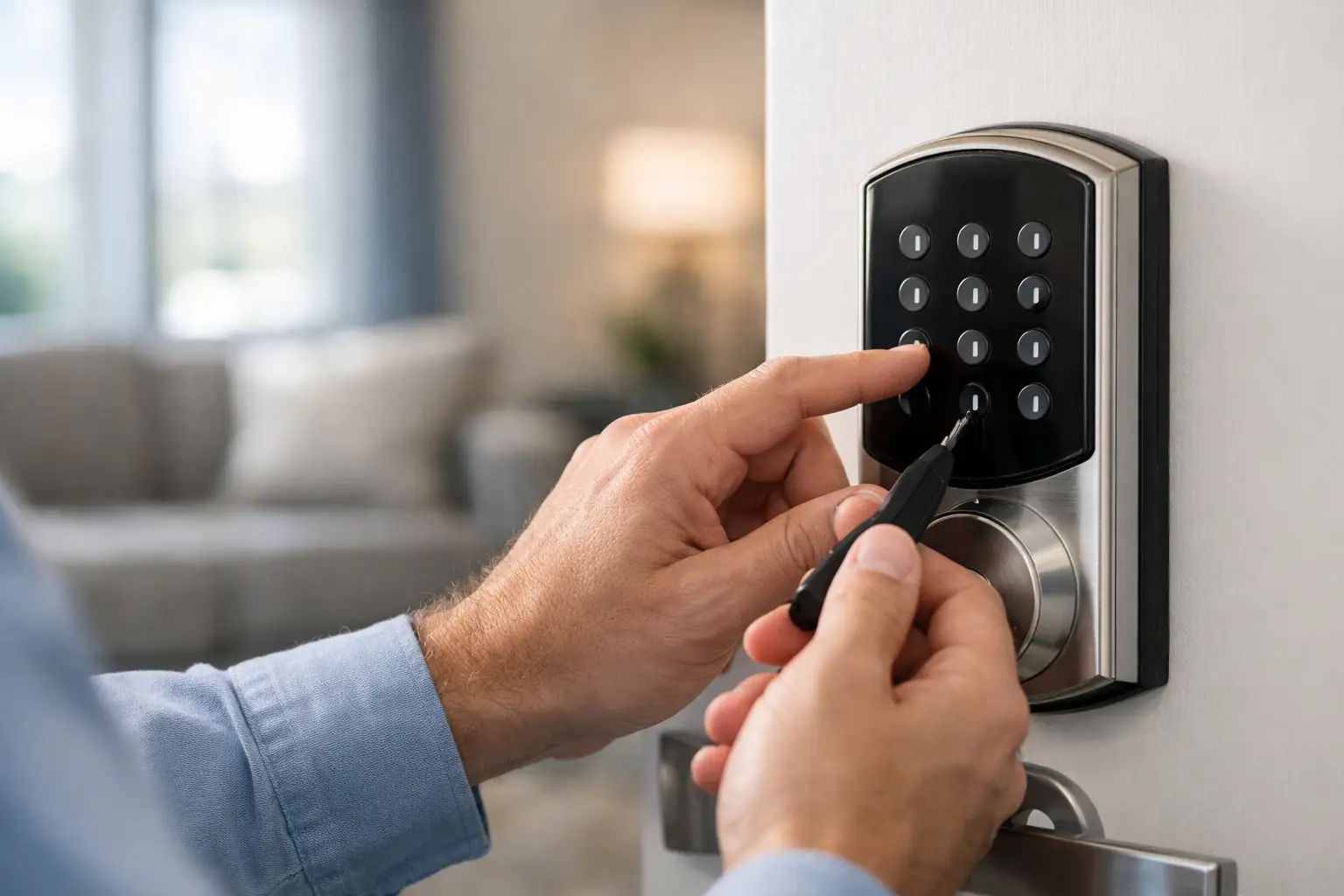
A keypad code is convenient until the wrong person may know it. Whether you have moved into a South Florida home, changed tenants, let an employee go, or simply forgotten the code, knowing when and how to reset keypad codes protects your property without creating a new lockout problem.
The right process depends on the lock. A battery-operated residential keypad, a commercial door access system, and a gate keypad may all store credentials differently. Before pressing reset buttons or removing batteries, make sure you have a working physical key, authorized administrator credentials, or a qualified locksmith available. A reset performed without a recovery plan can leave a family, staff, or customers standing outside a secured door.
When Should You Reset Keypad Codes?
Resetting codes is not something to postpone after a change in access. If a previous owner, contractor, housekeeper, tenant, employee, or former vendor had the code, assume it could still be used. Changing it promptly is one of the simplest ways to regain control of who can enter.
For homeowners, common triggers include moving into a new property, losing a phone or written note that contained the code, completing renovations, or experiencing a breakup or household change. Even if the lock appears to be working properly, old credentials create an unnecessary security gap.
For businesses, code changes should be part of an offboarding process. A single shared code might be manageable for a small office, but it makes accountability difficult. Commercial properties benefit from individual user codes, scheduled access, and a clear record of who is authorized to enter. This is especially useful for offices, retail stores, medical practices, warehouses, and multifamily properties with changing staff or service vendors.
Reset Keypad Codes Safely Before You Start
Start by identifying the exact lock or access-control system. Look for the manufacturer name and model number, usually located on the inside portion of a residential deadbolt, the battery cover, a control panel, or the keypad housing. The correct instructions matter because a simple code change and a full factory reset are not the same thing.
A code change removes or replaces a user credential while keeping existing lock settings. A factory reset may erase all user codes, administrator credentials, remote connections, schedules, and access logs. On a commercial system, it can also disrupt doors that are programmed for timed entry or connected to electric strikes, magnetic locks, alarm systems, or emergency egress hardware.
Before making changes, confirm three things: the door is open, you have a backup way to enter, and you are authorized to manage the device. Keeping the door open during programming prevents an accidental lockout if the lock rejects a code or loses power. If the lock is protecting a business entrance, coordinate the change around operating hours so staff and customers are not affected.
Do not rely on random online instructions when the model is unclear. Similar-looking keypads can use entirely different programming sequences. Repeated failed entries can trigger a temporary lockout, and forceful attempts to access the interior programming controls can damage the lock or door hardware.
Residential keypad locks
Most residential electronic deadbolts allow an authorized owner to add, delete, or change codes through an interior programming button or menu. The required steps vary by brand, but the safer approach is usually to delete old user codes first, then create a new primary code and any separate codes for trusted household members.
Avoid using easy-to-guess numbers such as a birthday, address, phone number, or repeating pattern. Choose a code that is memorable to authorized users but not obvious to someone who knows them. If the lock supports separate user codes, use them. Individual codes make it easier to remove access for a dog walker, cleaner, contractor, or guest without changing the entire household routine.
Check the batteries after programming. Low batteries can cause delayed responses, failed locking cycles, or keypad issues that look like a code problem. Replace them with fresh batteries recommended by the manufacturer, and test the new code several times with the door open before relying on it.
Commercial keypads and access control
Commercial systems require more care because the keypad may be only one piece of a larger security setup. A door may use a keypad with a card reader, electric strike, maglock, buzzer system, door closer, and exit device. Changing settings at the wrong level can affect not only access but also proper door operation and life-safety requirements.
If your business has an administrator portal or designated system manager, update access through the approved management process. Remove former employees immediately, review vendor and contractor permissions, and verify that emergency and management contacts remain active. For higher-turnover teams, individual PINs or key fobs are safer than one shared entry code.
Do not reset a commercial controller simply because one employee forgot a PIN. A full reset may erase programming that took time to configure. It can also create expensive downtime if the system controls several doors or integrates with cameras, alarms, or tenant access. When the administrator code is unavailable or the system behavior is unclear, professional service is usually the faster and more secure choice.
Common Problems After a Code Change
A new code that will not work does not always mean the keypad has failed. The door may be misaligned, the batteries may be weak, or the deadbolt may be binding against the strike plate. Electronic locks need the bolt to move freely. If you have to push, pull, or lift the door to lock it manually, the lock may struggle electronically as well.
Another common issue is assuming that removing batteries resets the unit. On many locks, batteries only remove power temporarily. The programming information can remain stored. On others, a power interruption may affect settings but will not restore access without the proper administrator procedure.
Be careful with factory defaults. Some people reset a lock and then leave it using a temporary or default code while planning to update it later. That creates a preventable vulnerability. If a reset is necessary, complete the programming, test all approved entry methods, and remove any old or unused credentials right away.
When a Locksmith Is the Best Next Step
Call a locksmith when you are locked out, do not have the administrator code, cannot identify the lock model, suspect damage, or need to secure a property after a tenant or employee change. The same applies when a keypad is part of a commercial access-control setup, gate system, or emergency exit door.
A qualified locksmith can assess whether the problem is programming, batteries, worn hardware, door alignment, a failed keypad, or an issue with the connected access system. In some cases, reprogramming is enough. In others, repairing the door hardware or upgrading an outdated lock is the better long-term answer.
Access Locksmith & Security provides residential and commercial keypad, lock, and access-control service throughout Broward and Palm Beach Counties. With authorized service, you can regain entry, remove outdated credentials, and confirm the door is locking and releasing as it should.
Keep the New Code Under Control
Once the system is working, treat keypad codes like keys. Share them only with people who need access, avoid writing them on visible notes, and update them after a staffing or household change. Property managers should document who has credentials and establish a consistent turnover procedure for every unit.
For businesses, review access at regular intervals rather than waiting for a security concern. A simple access review can reveal old employee codes, inactive vendors, and doors that no longer match current operations. If shared codes are unavoidable, change them more frequently and restrict who can distribute them.
A keypad should make entry easier, not leave you wondering who can get in. Resetting access the right way gives you a clear answer and lets your home or business move forward with greater confidence.

