
A storefront door has to do more than keep the building locked after hours. It must let the right people in quickly, keep restricted areas protected, support safe emergency exits, and stand up to constant daily use. The best storefront access control features balance security with the practical pace of a retail shop, office, restaurant, medical practice, or service business.
For businesses in Broward and Palm Beach Counties, the right system also has to account for heat, humidity, heavy customer traffic, employee turnover, and the risk of unauthorized key copying. A basic keypad may be enough for one small office door. A busy storefront with multiple staff members, deliveries, and back-room inventory needs a more complete plan.
Best Storefront Access Control Features for Daily Operations
The starting point is not the newest technology. It is knowing who needs access, which doors they use, and what should happen when the business opens, closes, or faces an emergency. A dependable access control system combines the right credentials, compatible locking hardware, controlled egress, and a clear way to manage users.
Credential options that fit your staff
Keys are familiar, but they are difficult to track once they leave the building. If an employee does not return a key, a business may need to rekey the door or replace locks to restore control. Electronic credentials make changes faster because a lost fob, card, code, or mobile credential can be removed from the system without changing the physical hardware.
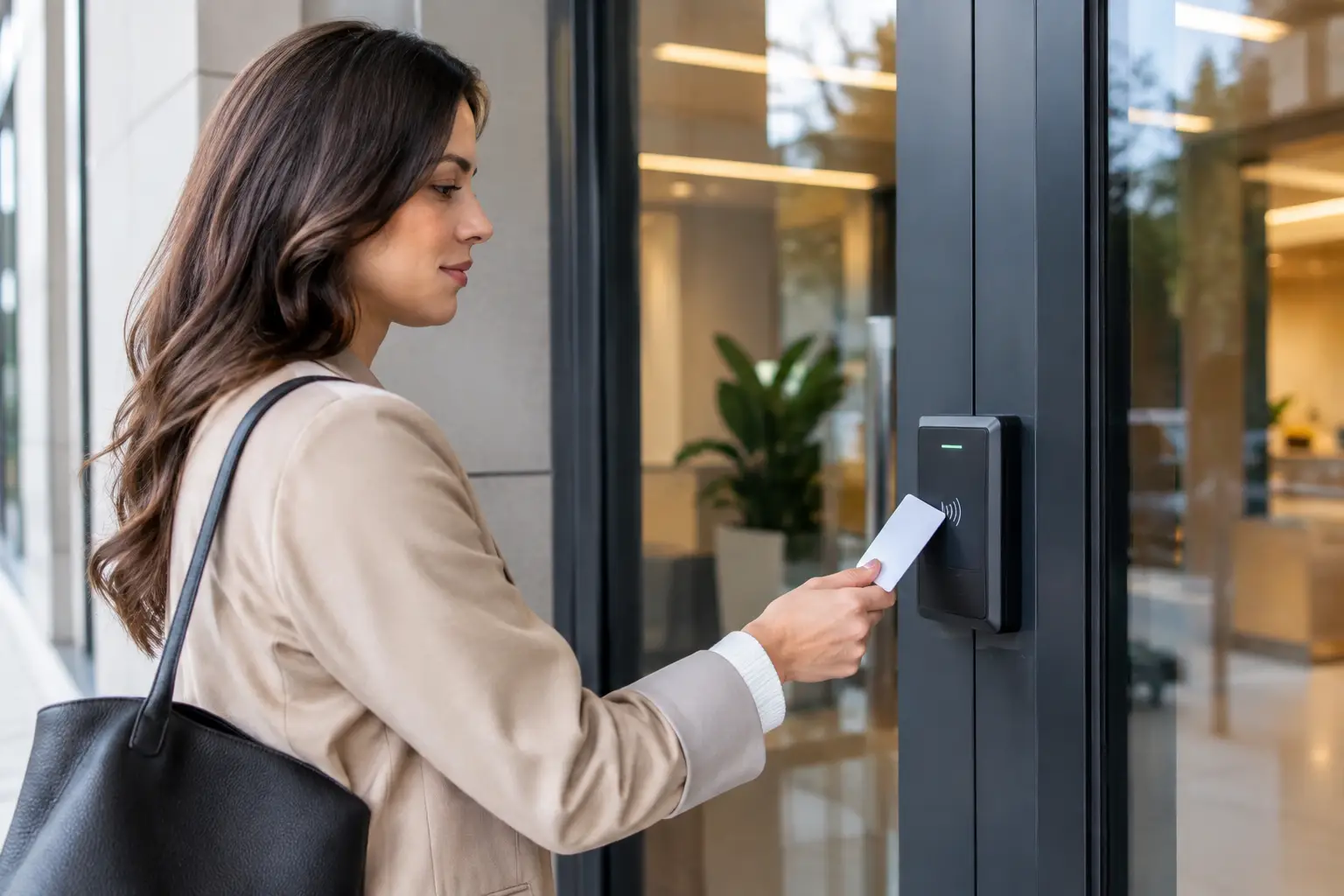
Key fobs and proximity cards are a practical choice for many storefronts. They are easy for employees to use and can be assigned individually, making it easier to see who entered and when. Keypad codes can work well for a small team, but shared codes create accountability problems. When several people know the same code, there is no reliable record of who used the door.
Mobile credentials are useful for managers, owners, and staff who prefer their phone over an extra card. They can also reduce the cost of replacing lost fobs. The trade-off is that phone batteries, app setup, and employee device policies need to be considered. For higher-security areas, such as a pharmacy stockroom, cash office, or server closet, two-factor access may be appropriate. That could mean a fob plus a PIN rather than either one alone.
Scheduled access by person and door
A storefront should not give every employee the same access at all hours. Scheduled permissions allow an owner or manager to set access based on a person’s role and work hours. A cashier may need front-door access before a shift, while a delivery driver may only need a rear entrance during a defined receiving window.
This feature is especially useful for businesses with part-time employees, cleaning crews, vendors, or multiple locations. Instead of handing out a permanent key, management can provide access that expires automatically. If staffing changes, permissions can be updated without collecting every credential first.
Schedules should remain realistic. Overly restrictive settings can cause frustrating lockouts when an employee arrives early, stays late to close, or covers an unexpected shift. A good setup includes designated managers who can make fast changes and an after-hours plan if the system needs attention.
Audit trails that answer basic security questions
When a door is found unlocked, inventory goes missing, or an employee says they could not get in, guesswork is not helpful. An access control audit trail records credential activity, including the date, time, door, and user associated with an event.
Audit trails are not only for investigating incidents. They can help managers identify recurring issues, such as a rear door being propped open or a staff member regularly arriving before authorized hours. The record is only as useful as the credential policy behind it. Individual credentials provide far better accountability than a shared PIN or a key passed from employee to employee.
For many small businesses, a clear event history is enough. Larger operations may need reports that can be reviewed by a property manager or security team. Choose a system that presents information in plain language rather than burying important events in a complicated dashboard.
Remote Management Without Giving Up Control
Remote access management lets authorized owners or managers add users, remove credentials, check door status, and review activity from a phone or computer. This can save a trip to the store when an employee quits, loses a fob, or needs access outside normal hours.
Remote door release can also be useful, but it should be assigned carefully. A manager should be able to verify who is at the door before releasing it, ideally with a camera or intercom at an employee entrance. Remote release is not a substitute for visual verification, particularly after hours.
Cloud-managed systems are convenient because updates and user changes can often be made from anywhere. They may involve ongoing service fees and depend on a stable internet connection. Locally managed systems can offer more direct on-site control, but changes may require someone to be at the property. The better choice depends on how often access needs change and who will manage the system.
Door status monitoring and alerts
Knowing that a credential was used is different from knowing a door is actually closed and secured. Door position sensors can report whether a door is open, closed, or held open too long. This is a valuable feature for rear doors, employee entrances, stockrooms, and doors that should remain locked during business hours.
Alerts can be configured for situations such as a forced door, a door left ajar, repeated invalid credential attempts, or an entry outside normal hours. Notifications should be set thoughtfully. If the system sends an alert for every routine event, managers may start ignoring them. Prioritize alerts that require action.
Hardware Must Match the Storefront Door
Access control is only as dependable as the lock, frame, door closer, and exit hardware supporting it. A reader mounted beside a weak or damaged door does not solve the underlying security problem. Before installing a system, inspect the door’s condition, alignment, hinges, latch engagement, and closing speed.
Electric strikes are often a practical choice for certain commercial doors because they work with compatible mechanical lock hardware and can allow controlled entry while preserving free egress from inside. Magnetic locks can be appropriate in specific applications, but they require proper installation, power, release devices, and life-safety planning. They are not a one-size-fits-all answer for every storefront entrance.
A door closer also matters. If the door does not close fully, an electric lock or strike cannot secure it consistently. For glass aluminum storefront doors, the correct commercial hardware and professional fitting are especially important. Forcing an access control device onto an incompatible door can create reliability problems and expensive repairs.
Emergency egress comes first
Employees and customers must be able to exit safely during an emergency. Any access control design should preserve required free egress and comply with applicable building, fire, and accessibility requirements. Emergency exit devices, request-to-exit components, fire alarm integration, and backup power may all be part of the solution depending on the door and occupancy.
This is where a professional site evaluation is worth the time. A system that appears secure but interferes with emergency exit can create a serious safety issue. Access Locksmith & Security evaluates the door, locking hardware, and exit needs together so business owners are not left with a system that works only on paper.
Power, Connectivity, and Fail-Safe Planning
Electronic security depends on power. Ask how the door will behave during a power outage and whether that behavior is appropriate for the location. Some openings need fail-secure operation, meaning the outside remains locked when power is lost. Other applications may require fail-safe operation, where the lock releases when power is interrupted. The correct choice depends on life-safety requirements and the purpose of the opening.
Battery backup can keep controllers, locks, and communication equipment operating during short outages. It is also wise to keep a documented mechanical override plan where allowed. Managers should know who holds the override key, where it is stored, and when it should be used.
Internet loss deserves the same attention. Many systems continue operating with previously programmed credentials even if remote management is temporarily unavailable, but not every system handles outages the same way. Confirm what continues to work when the network goes down before choosing equipment.
How to Choose the Right Feature Set
A single-door storefront may need a credential reader, electric strike, door closer, individual user records, and a simple audit trail. A business with a rear delivery entrance, restricted inventory, several managers, and frequent staff turnover will benefit from scheduled permissions, remote management, door alerts, and separate access levels.
Start by identifying the doors that create the greatest risk, not by adding technology everywhere. In many stores, the rear employee entrance and stockroom deserve more control than the customer-facing front door during open hours. If cameras are already in place, consider how access events and video review can support each other after an incident.
The best system is one your team will actually use correctly. Clear employee rules, prompt removal of former staff, routine testing of door hardware, and fast repair when a closer or lock begins to fail protect the investment.
A storefront should feel welcoming to customers and controlled to everyone else. When the access system, door hardware, and emergency exit plan work together, business owners can focus on serving customers instead of wondering who can get through the door.

